
Computer Backups
Why Computer Backups Are More Important Than Ever
Today, computers store almost everything important in our lives. From office work and business files to family photos and personal documents, digital data has become a part of everyday life. But many people still ignore the importance of computer backups until they lose their valuable files. A sudden system crash, virus attack, accidental deletion, or hardware failure can remove years of important data within seconds. This is why computer backups have become one of the most important parts of modern digital security.
A proper backup system protects your files and helps you recover them whenever something goes wrong. Instead of feeling stressed after data loss, you can restore your important information quickly and continue your work without major interruptions. Whether you are a business owner, employee, student, or home user, backups provide safety, confidence, and peace of mind.
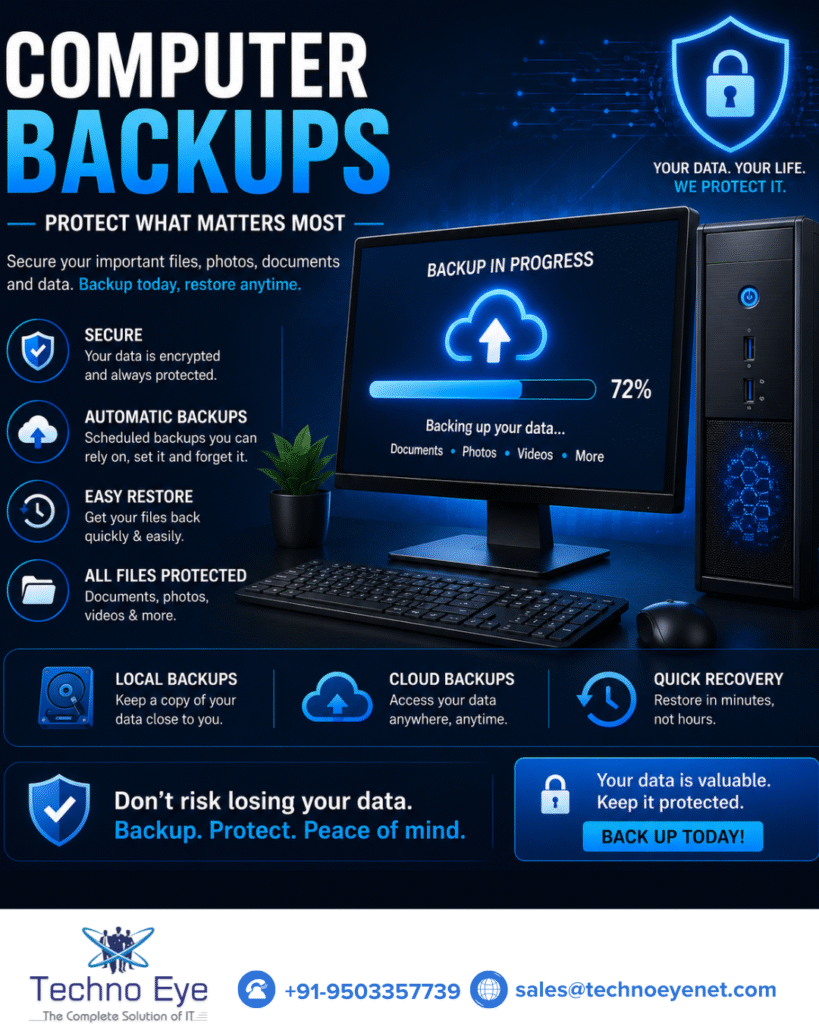
How Computer Backups Help Protect Your Data
Computer backups work like a safety shield for your digital life. They create copies of your important files and store them securely so they can be recovered later if needed. Without backups, recovering lost files can become extremely difficult and expensive.
Imagine losing important office projects, customer records, presentations, or financial files because your hard drive suddenly stopped working. It can affect productivity, delay operations, and create financial losses. But with a strong backup system, you can quickly recover your files and continue working smoothly.
Backups also protect personal memories such as photos, videos, and documents that may not be replaceable. In today’s fast-moving digital world, protecting important data should always be a top priority.
Common Reasons Why Data Loss Happens
Many people believe data loss only happens to large companies, but it can happen to anyone at any time. One of the most common reasons is hardware failure. Hard drives and computer systems can stop working without warning, causing important files to disappear instantly.
Accidental deletion is another major reason for lost data. Sometimes users mistakenly delete folders or overwrite important files. Viruses, malware, and ransomware attacks are also becoming more dangerous every year. These cyber threats can lock or damage files completely.
Power failures and electrical problems can corrupt data and damage systems. In some cases, physical accidents like water damage, theft, or fire can destroy computers entirely. No matter what the reason is, losing important data can create stress and major problems. This is why having a backup system is always a smart decision.
Different Types of Computer Backup Solutions
There are several backup solutions available today depending on personal and business needs. One of the most common methods is using an external hard drive. This allows users to save copies of important files separately from the main computer.
Cloud backup solutions are also becoming extremely popular because they store files online securely. Users can access their data from anywhere while enjoying additional protection against physical damage or theft. Many businesses now prefer cloud storage because it provides flexibility, automation, and better security.
Automatic backup systems are another great option because they regularly save files without requiring manual work. NAS storage systems are also widely used in offices for centralized data storage and backups. Using both cloud and local backups together often provides the strongest protection.
Why Businesses Need Reliable Computer Backups
For businesses, computer backups are not just useful — they are essential. Modern companies depend heavily on digital systems for communication, operations, customer records, invoices, and project management. Losing important business data can stop operations completely and damage customer trust.
A proper backup system helps businesses recover quickly during emergencies and reduces downtime significantly. Instead of spending days trying to recover lost files, companies can restore their data quickly and continue their work smoothly.
Backups also improve cybersecurity protection. In case of ransomware attacks or system failures, businesses with strong backups can recover their files without major disruptions. Reliable backup solutions help companies stay productive, secure, and prepared for unexpected situations.
Simple Tips for Better Computer Backups
Creating a strong backup system does not need to be complicated. A few simple habits can improve data security and reduce the risk of data loss. One important step is enabling automatic backups so files are updated regularly without manual effort.
It is also smart to keep backups in multiple locations. Many experts recommend using both cloud storage and local backup devices for better protection. Protecting backup systems with passwords and encryption adds another layer of security.
Users should also regularly check backup systems to ensure files are being saved properly. Updating antivirus software and maintaining good cybersecurity practices also helps protect important data from malware and cyberattacks.
Small steps taken today can prevent major problems and financial losses in the future.
Final Thoughts on Computer Backups
Computer backups have become one of the most important tools for protecting digital information. Whether it is business files, office projects, customer records, or personal memories, losing important data can create stress, downtime, and financial loss.
Technology is powerful, but systems can fail at any time. Cyber threats continue to grow, mistakes happen, and unexpected situations can occur without warning. A reliable backup system helps you stay prepared and recover quickly during these moments.
The reality is simple — protecting your data today can save time, money, and stress tomorrow. Computer backups are not just about storing files. They are about protecting your work, your business, your memories, and your future.