
Windows Backup and Restore
Introduction to Windows Backup and Restore
In today’s digital world, computers have become an important part of daily life. From business documents and office presentations to personal photos and videos, almost everything is stored digitally. But technology is never fully safe. A sudden system crash, virus attack, accidental deletion, or hard drive failure can lead to major data loss within seconds. This is why Windows Backup and Restore has become one of the most important solutions for both personal and professional users.
Backup and restore solutions help protect valuable information by creating secure copies of files, folders, applications, and system settings. Instead of worrying about losing important data, users can work with confidence knowing their information remains protected and recoverable whenever needed.
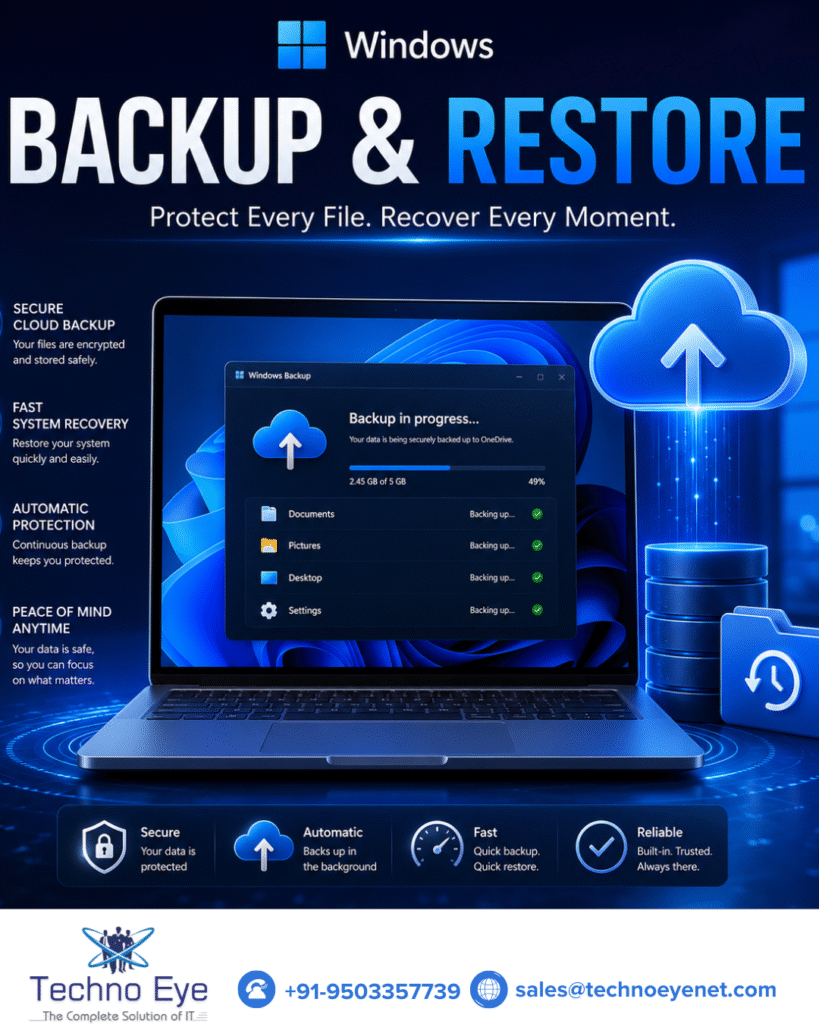
Why Windows Backup and Restore Is Important
Many people understand the value of backup only after experiencing data loss. Losing important business files, customer records, or personal memories can create stress, financial loss, and operational problems. Windows Backup and Restore acts like a safety shield that protects systems from unexpected situations.
Whether it is a software issue, hardware failure, or accidental deletion, backup solutions help users recover their data quickly and continue working without major interruption. This reduces downtime and improves productivity for both businesses and home users.
For organizations, backup is even more critical because daily operations depend heavily on digital information. Without a proper backup strategy, a small technical problem can affect the entire workflow. Windows Backup and Restore ensures business continuity by keeping valuable data secure and accessible at all times.
Key Benefits of Windows Backup and Restore
One of the biggest benefits of Windows Backup and Restore is complete data protection. Important files such as documents, spreadsheets, images, videos, emails, and project data remain safe even during system failures. This gives users peace of mind and reduces the fear of losing valuable information.
Another major advantage is fast recovery. System crashes and technical issues can waste time and reduce productivity. Backup solutions help restore files and settings quickly so users can return to work without unnecessary delays.
Windows Backup and Restore also provides protection against cyber threats like malware and ransomware. These attacks can damage systems and lock important files instantly. Backup copies allow users to recover clean versions of their data safely without depending on expensive recovery methods.
The system also supports automatic backup scheduling, making the entire process simple and convenient. Users can schedule backups daily, weekly, or monthly according to their needs, ensuring files always remain updated and protected.
How Windows Backup and Restore Helps Businesses
Businesses today depend completely on digital systems for communication, operations, customer management, and financial records. Losing this information can create serious operational and financial problems. Windows Backup and Restore helps businesses maintain smooth workflow and secure important company data.
Customer databases, invoices, employee records, project files, emails, and software configurations are valuable business assets. Backup systems help organizations recover this information quickly during emergencies and reduce operational downtime.
For small businesses and large enterprises alike, backup solutions improve reliability and business continuity. Employees can continue working confidently because important information remains secure even during technical failures or cyberattacks.
Windows Backup and Restore also helps businesses save time and money by reducing the need for expensive data recovery services. A strong backup strategy ensures smooth operations and long-term security.
Features of Windows Backup and Restore
Modern backup systems include several advanced features designed for convenience and protection. One of the most useful features is full system backup, which creates a complete image of the operating system, installed applications, settings, and files. This allows users to restore the entire computer quickly after major failures.
Another important feature is selective file backup. Users can choose specific folders, drives, or documents according to their requirements. This flexibility makes backup management easier and more efficient.
External hard drives, USB storage devices, network systems, and cloud platforms can all be used for storing backup files securely. Cloud integration adds an extra layer of protection because files remain accessible even if physical devices are damaged or stolen.
Automatic scheduling is another valuable feature because it ensures backups happen regularly without manual effort. This keeps systems protected continuously and reduces the chance of missing important data updates.
The Future of Windows Backup and Restore
As technology continues to evolve, backup solutions are becoming smarter, faster, and more secure. Businesses and individuals are generating larger amounts of digital data every day, increasing the importance of reliable backup systems.
Modern Windows Backup and Restore solutions now include cloud synchronization, real-time monitoring, advanced security features, and faster recovery technologies. These improvements help users manage data more efficiently while staying protected from growing cyber threats.
The future of backup systems will focus more on automation, intelligent monitoring, and seamless recovery experiences. Users will continue investing in reliable backup solutions because data protection has become a necessity rather than an option.
Conclusion on Windows Backup and Restore
Windows Backup and Restore is one of the most valuable tools for protecting important digital information. It helps users secure files, recover systems quickly, reduce downtime, and stay protected from unexpected technical problems.
Whether for personal use or business operations, backup solutions provide safety, confidence, and peace of mind. From preventing data loss to improving productivity, Windows Backup and Restore plays a major role in keeping systems secure and reliable.
In today’s digital environment, protecting data is no longer optional. A strong backup strategy ensures that important files, memories, and business information remain safe and recoverable at all times. Because when your data is protected, you can focus on growth, productivity, and success without fear of losing what matters most.