
Sophos firewall configuration step by step
Sophos Firewall Configuration Step by Step – Explained in a Simple & Human Way
Setting up a firewall often feels intimidating—especially if you’re not from a technical background. Many people think Sophos firewall configuration is risky or complicated, but the truth is much simpler. Firewall configuration follows a clear, logical flow. When it’s explained in plain language, it becomes easy to understand and comfortable to manage.
A firewall plays a critical role in protecting your internet connection, internal systems, and important business data from online threats. When configured correctly from the start, it ensures stable performance and long-term security.
This guide explains Sophos firewall configuration step by step in a practical, human-friendly way—without heavy technical terms—so anyone can understand how a secure network is built with confidence.
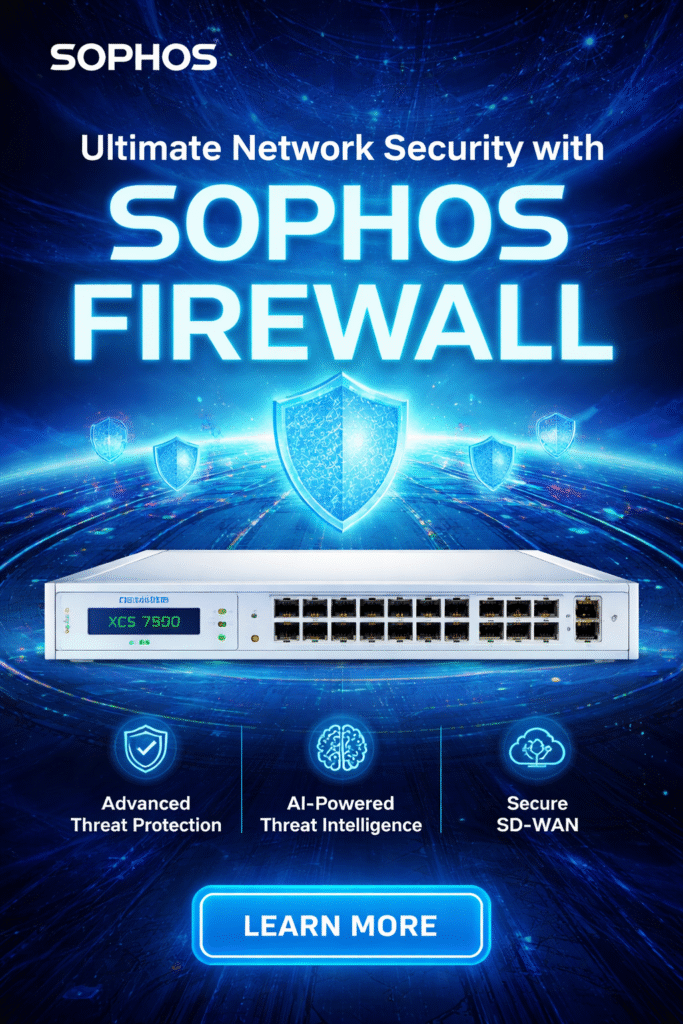
What Does a Sophos Firewall Actually Do?
A Sophos Firewall works like a smart security guard for your internet connection.
It sits between your office network and the internet and decides:
- What is allowed to enter your network
- What should be blocked
- Who can access what
- How your data stays protected
When configured properly from the beginning, a Sophos firewall keeps your business network secure, stable, and worry-free. This guide helps you do exactly that.
Sophos Firewall Configuration Step by Step (Easy & Logical)
Step 1: Connect the Sophos Firewall
Start with the physical setup—it’s quick and simple.
- Connect your internet cable to the WAN port
- Connect your laptop or office network to the LAN port
- Power on the Sophos firewall
Wait a few minutes for the device to boot. At this stage, the firewall is perfectly placed between your internet connection and your internal network.
Step 2: Log In and Secure the Firewall
Now it’s time to access the firewall settings.
- Open a web browser on a connected computer
- Enter the Sophos firewall login address
- Log in using the default credentials
On the first login, Sophos will ask you to change the default password.
This step is extremely important. A strong password becomes your first layer of network security.
Step 3: Complete the Initial Setup Wizard
Sophos makes things easier with a guided setup.
Here you will:
- Set country and time zone
- Create a new admin password
- Review basic system information
These basic settings help with accurate logs, smooth operation, and easier troubleshooting later.
Step 4: Configure Internet and Internal Network
Now you define how your network works.
- Configure the internet (WAN) connection
- Set internal (LAN) IP address and range
Once this is done, the firewall clearly understands both sides—the internet and your office devices.
Step 5: Create Firewall Rules for Internet Access
For safety, Sophos blocks traffic by default.
Now you create a rule that says:
“Office users are allowed to access the internet securely.”
- Select the source (internal network)
- Select the destination (internet)
- Allow traffic with security protection enabled
Once this rule is active, users can access the internet safely.
Integrate with CCTV and access control systems for better monitoring.
Step 6: Enable Built-In Security Features
This is where Sophos becomes truly powerful.
Enable key security features such as:
- Antivirus protection
- Web filtering
- Application control
- Intrusion prevention (IPS)
These features work silently in the background, blocking threats without interrupting daily work.
Step 7: Test, Save, and Go Live
Before finishing:
- Test internet access from user devices
- Confirm security features are active
- Save a configuration backup
Once completed, your Sophos firewall is fully ready to protect your network.
Common Mistakes to Avoid
Most firewall problems happen due to small oversights, such as:
- Leaving default passwords unchanged
- Allowing unnecessary access
- Skipping security features
- Forgetting to save a backup
Avoiding these mistakes keeps your Sophos firewall strong, secure, and reliable.
Who Is This Guide For?
This Sophos firewall configuration step by step guide is ideal for:
- Small business owners
- Office IT teams
- Beginners learning network security
- Anyone setting up a Sophos firewall for the first time
No advanced technical knowledge is required—just follow each step calmly and carefully.
Final Thoughts
Firewall setup doesn’t need to be stressful or confusing. When Sophos firewall configuration step by step is explained in a simple, human way, it becomes logical and easy to manage. Each step has a clear purpose and fits into the bigger picture of network security.
By taking things slowly and focusing on the basics, you can build a strong and reliable firewall without rushing. A properly configured Sophos firewall protects your business data, controls internet access, and delivers long-term peace of mind—helping your network stay safe and stable every single day.